
Overview
Software tutorials are one of the most powerful types of content online. Whether you’re teaching people how to use a design tool, explaining SEO dashboards, or walking through analytics reports, step-by-step tutorials help build trust and authority. But let’s be honest—recording yourself on camera every time can be exhausting. Lighting, scripting, retakes, background noise, and editing all take time.
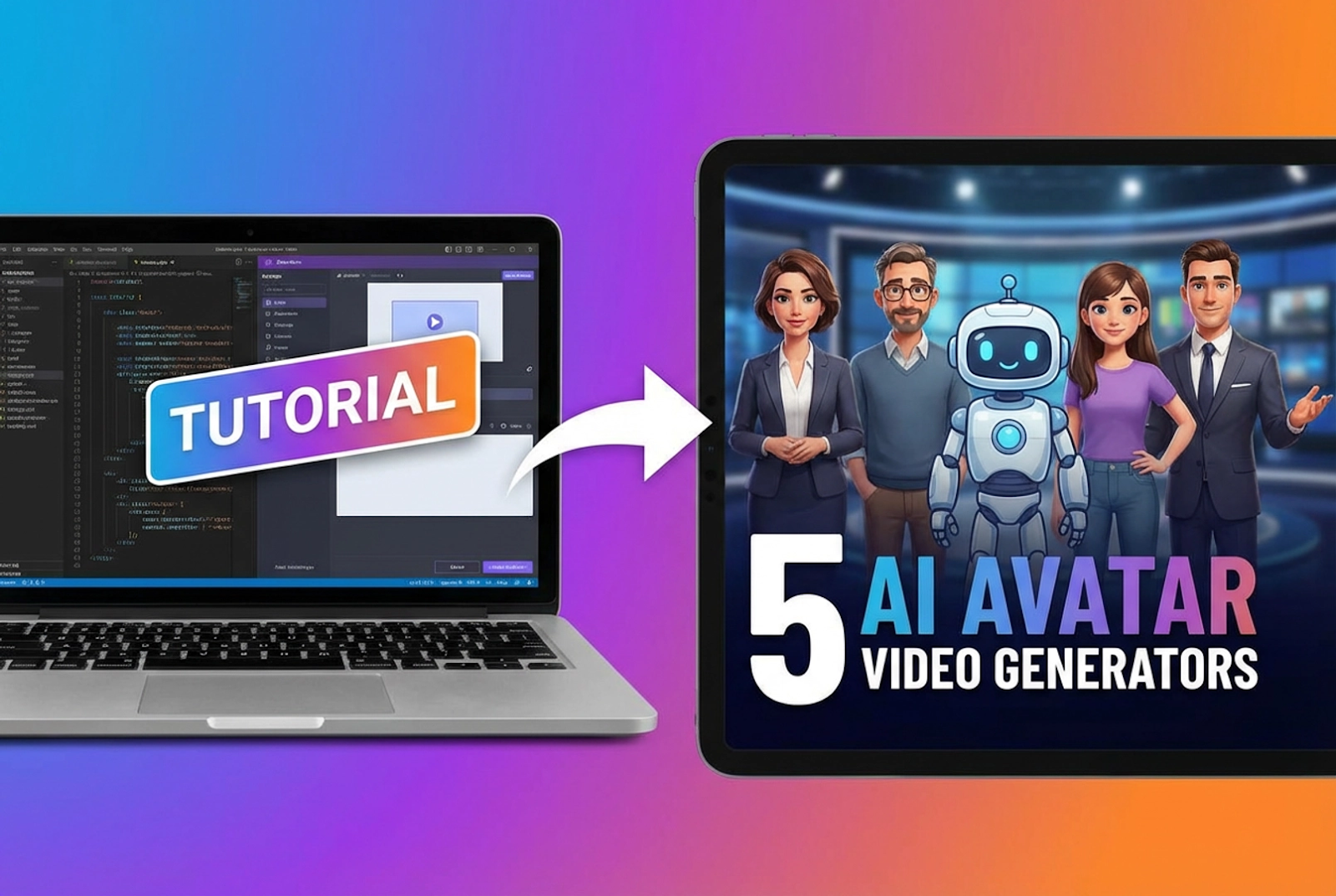
That’s where AI avatar technology changes the game. Instead of filming yourself, you can convert your written scripts or screen recordings into professional presenter-style videos using realistic digital avatars. These AI presenters can explain your software walkthroughs clearly and confidently—without you ever stepping in front of the camera.
If you’re a content creator, marketer, educator, or entrepreneur who wants to scale tutorial production, using an AI avatar solution can dramatically reduce time and cost while increasing output. In this listicle, we’ll explore five tools that help you transform simple software tutorials into engaging presenter-led videos—starting with invideo.
1. Invideo
Invideo stands out as one of the most versatile tools for turning software tutorials into professional presenter-style videos. Instead of just generating avatars, it helps you convert your script into a structured, scene-based video that includes visuals, transitions, subtitles, and voiceovers—all in one workflow. You can leverage invideo’s ai avatar video generator to add a realistic presenter who delivers your tutorial clearly and confidently. This means you can take a simple walkthrough script—like “how to use keyword research tools” or “how to edit product photos”—and transform it into a polished training video without setting up a camera. For creators who regularly publish tutorials, this streamlines production while maintaining a professional on-screen presence.
2. Elai
Elai is designed for creators who want to turn text into presenter-led videos quickly. You paste your script, choose a digital presenter, select language and voice options, and the tool generates a studio-style tutorial video. This works especially well for software walkthroughs where you’re explaining steps, onboarding users, or demonstrating dashboards. Instead of recording yourself explaining menus and settings, the avatar does the presentation while you combine it with screen recordings. This makes it ideal for SaaS demos, internal training modules, and product tutorials that need consistent branding and voice.
3. Colossyan
Colossyan focuses heavily on training and instructional content, making it suitable for turning software tutorials into structured learning modules. If you’re building course-style content—like CRM tutorials, marketing automation walkthroughs, or internal SOP videos—this platform helps you present information clearly with a digital host. You can break down complex processes into short segments, each delivered by an AI presenter. For companies that want standardized onboarding videos without repeatedly filming trainers, this approach saves time and ensures consistency across departments.
4. Hour One
Hour One enables you to create presenter-style videos using realistic AI hosts that resemble professional studio presenters. This is useful when your software tutorials need a polished corporate feel. For example, if you’re explaining enterprise tools, compliance systems, or technical dashboards, having a professional-looking avatar can elevate the perceived authority of your content. Instead of spending hours filming multiple takes, you can update scripts anytime and regenerate the video instantly—making it easy to revise tutorials when software interfaces change.
5. Yepic AI
Yepic AI is another platform that helps transform written scripts into presenter-based videos. It supports multiple languages, which is especially helpful if you’re creating tutorials for international audiences. Let’s say you’re explaining how to use an eCommerce analytics tool—you can produce one master script and then generate multiple localized versions with AI presenters speaking different languages. This reduces the need for hiring separate voiceover artists or presenters while helping you scale educational content globally.
Why AI Avatar Presenter Videos Work So Well for Software Tutorials
Software tutorials traditionally rely on screen recordings with voiceovers. While this works, adding a presenter dramatically increases engagement. Viewers are more likely to stay focused when there’s a “face” guiding them through the process. It builds trust and humanizes the explanation—even if that presenter is AI-generated.
Presenter-style videos also:
- Improve retention because viewers connect with a host
- Create consistency across multiple tutorials
- Save recording time and studio setup
- Make updates easier when software interfaces change
- Enable multilingual versions without re-filming
If you’re producing tutorials regularly, this format allows you to create batch content efficiently. Write scripts in advance, record your screen once, and let the AI presenter deliver structured explanations.
How to Turn a Basic Software Tutorial Into a Presenter Video
Here’s a simple workflow you can follow using any of the tools above:
Step 1: Write a Clear Script
Break down your tutorial into short, simple steps. Avoid long paragraphs. Each step should represent one clear action.
Step 2: Record Your Screen
Capture the software process in a clean, distraction-free way. Make sure menus and clicks are visible.
Step 3: Generate the AI Presenter
Upload your script into your chosen tool and select an avatar that fits your brand tone—formal, friendly, or corporate.
Step 4: Sync Screen and Presenter
Combine your screen recording with the avatar presentation. Most platforms allow scene-based editing so you can align visuals with spoken instructions.
Step 5: Add Subtitles and Branding
Include captions, highlight key steps, and add logo elements to maintain brand identity.
By following this structure, you can turn what used to be a plain screen recording into a professional tutorial video that feels like a live webinar presentation.
Who Should Use AI Avatar Generators for Tutorials?
AI avatar tools are especially useful for:
- SaaS founders creating onboarding videos
- Content creators building educational YouTube channels
- Agencies delivering client training modules
- Coaches launching digital courses
- Businesses building internal employee training libraries
If you’re scaling content production or want to appear consistent across multiple tutorial videos, AI avatars give you that flexibility without constant filming.
Final Thoughts
Turning software tutorials into presenter-style videos no longer requires cameras, studios, or endless retakes. AI avatar technology allows you to transform scripts into engaging, professional videos that build authority and improve viewer engagement.
By choosing tools like invideo and other AI presenter platforms, you can simplify production, update tutorials quickly, and create multilingual versions effortlessly. Whether you’re explaining marketing dashboards, editing tools, or analytics platforms, presenter-led tutorials help you stand out in a crowded content landscape.