
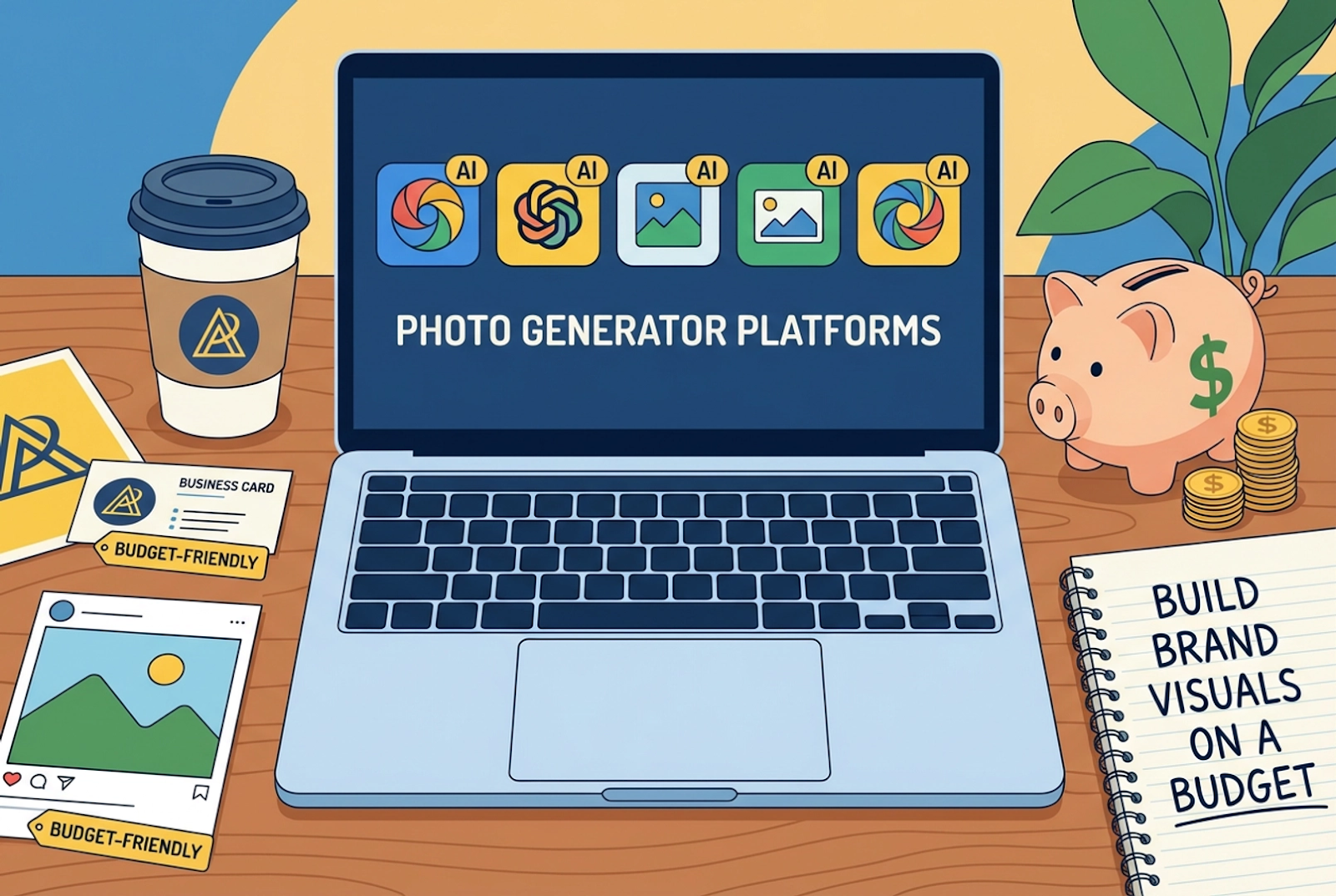
Building strong brand visuals used to require expensive photoshoots, professional designers, high-end cameras, and countless editing hours. For startups, solopreneurs, content creators, and small businesses, this often meant compromising on quality—or stretching budgets beyond comfort. Today, that barrier has dramatically lowered. With AI-powered image tools, you can generate polished, professional visuals in minutes without hiring a full creative team.
From social media posts and product mockups to blog graphics and ad creatives, AI photo tools help you create consistent branding across platforms. Whether you’re running an e-commerce store, building a personal brand, or managing multiple client accounts, these platforms allow you to experiment, iterate, and scale visual production affordably.
In this listicle, we’ll explore five AI photo generator platforms that help you build brand visuals on a budget—starting with one of the most versatile options available.
Table of Contents
1. Invideo
When it comes to accessible and flexible AI-powered creative tools, invideo stands out as a practical choice for modern creators. Invideo’s AI photo generator allows you to transform simple text prompts into high-quality, brand-ready visuals within seconds. Instead of spending hours searching for stock images or hiring designers, you can describe what you want—whether it’s a product background, lifestyle scene, abstract concept, or social media banner—and the tool generates visuals aligned with your idea.
What makes invideo’s ai photo generator especially useful for budget-conscious brands is its ability to streamline ideation and execution. You can quickly test multiple visual directions before settling on the final look, helping maintain brand consistency across campaigns. Whether you’re designing Instagram posts, website banners, ad creatives, or thumbnails, invideo simplifies the process of turning imagination into polished brand assets without stretching your budget.
2. Canva
Canva has become a go-to platform for entrepreneurs, marketers, and small business owners who want professional designs without complexity. Beyond its templates and drag-and-drop interface, Canva’s AI image generation capabilities allow users to create custom visuals directly inside their design workflow.
For brands working with tight budgets, this integration is powerful. You can generate original images tailored to your brand theme and instantly place them into presentations, social posts, or marketing materials. Instead of juggling multiple tools, everything stays within one platform. Canva is especially helpful for those who may not have advanced design skills but still want cohesive and visually appealing brand assets.
3. Adobe Firefly
Adobe Firefly brings AI-powered image generation into the Adobe ecosystem, making it appealing for creators who want more advanced creative control. It enables users to generate stylized images, artistic visuals, and concept-based graphics from text prompts.
For small brands that need unique campaign visuals—such as seasonal promotions, themed ads, or stylized product images—Firefly offers flexibility. You can refine outputs to match specific aesthetics and experiment with textures, lighting, and composition. While it sits closer to professional-grade tools, it can still serve as a cost-effective alternative to full-scale photoshoots when used strategically.
4. Microsoft Designer
Microsoft Designer integrates AI image creation into a simplified design environment, making it accessible for business users and marketers. It allows you to generate custom visuals while also offering layout suggestions, text styling, and ready-made compositions.
For businesses that frequently create marketing materials—such as flyers, email headers, or promotional banners—this platform can reduce turnaround time significantly. Instead of outsourcing graphics or relying solely on stock photos, you can generate tailored visuals that reflect your brand tone. It’s particularly helpful for teams already working within the Microsoft ecosystem and looking for a streamlined visual creation process.
5. Fotor
Fotor combines photo editing and AI image generation into one platform. For brands that want both enhancement and creation capabilities, this dual functionality can be very cost-effective. You can generate images from prompts and then refine them with editing tools—adjusting lighting, colors, filters, and overlays to match your brand identity.
This is especially useful for e-commerce sellers, bloggers, and social media managers who need to produce a high volume of visuals regularly. Instead of paying separately for editing software and creative assets, Fotor brings these features together, helping you maintain consistency while controlling costs.
Why AI Photo Generators Are Ideal for Budget Branding
AI photo generator platforms have transformed how brands approach visual storytelling. Here’s why they’re particularly valuable for businesses trying to scale affordably:
1. Reduced Production Costs
Traditional photoshoots involve photographers, equipment, studio rentals, props, and post-production editing. AI tools eliminate most of these expenses.
2. Faster Turnaround Time
Instead of waiting days or weeks for design revisions, you can generate multiple visual options instantly.
3. Brand Consistency
By reusing structured prompts and defined visual styles, you can maintain consistent colors, themes, and aesthetics across all platforms.
4. Creative Flexibility
Want to test a new campaign concept? Change the prompt and generate variations. This allows quick experimentation without financial risk.
5. Scalability
As your brand grows, your content needs increase. AI image tools scale effortlessly, enabling you to create dozens—or even hundreds—of visuals without dramatically increasing costs.
How to Maximize Results From AI Image Tools
To truly build strong brand visuals on a budget, using AI tools strategically is key.
Start by defining your brand guidelines clearly. Identify your primary colors, tone, typography preferences, and visual mood. When writing prompts, include descriptive details such as lighting style, color palette, camera angle, and intended platform (e.g., Instagram post, website hero banner, ad creative).
Experiment with variations. Generate multiple options and compare which one aligns best with your brand. AI tools are powerful, but refinement is essential for achieving professional results.
Finally, combine AI-generated visuals with light editing. Even simple adjustments—like brightness correction, contrast balancing, or adding brand text overlays—can elevate the final output significantly.
Final Thoughts
Building brand visuals no longer requires a massive marketing budget. With platforms like invideo, Canva, Adobe Firefly, Microsoft Designer, and Fotor, businesses of all sizes can produce eye-catching visuals efficiently and affordably.
AI photo generators empower creators to move from idea to execution in minutes. Whether you’re launching a new product, running a social media campaign, or designing content for your website, these tools help you maintain quality without overspending.
If you’re aiming to grow your brand presence while keeping costs under control, leveraging AI-driven image platforms could be one of the smartest creative decisions you make this year.